

Most people don’t know what to get out of Lovable and what’s actually possible.
That comes down to prompting. Prompting is basically the new designing when using AI products. You need to be really good at it.
Most prompts describe what to build like the product, the pages, the features. But the prompts that produce exceptional results describe the feeling and vision. The output quality doesn’t come from Lovable working harder but from the model having a clearer creative brief from you.
I’ve been experimenting with this extensively, and so has my friend Damien. Here’s the formula we’ve landed on.
Some of these tips will sound a little strange. “The site should sound good on mute” is not a normal thing to write in a prompt. But trust me anyway. The unconventional ones are often the most effective, because they communicate something no spec ever could.
One more thing before we start: Don’t just copy this prompt verbatim and swap in your product name. Everyone using the same template ends up with sites that look the same. The goal is to understand the logic well enough to write something that’s genuinely yours.
PS: You can also use these prompt rules to build your own prompt agent (Might publish one soon), where you can just tell the agent what you want and it produces the perfect prompt for you, based on the following rules.
1. Reframe the product immediately
This is important. Don’t just name what you’re building. You have to say what it is at a higher level of abstraction before you dive too quickly into technical details.
Why it works: This move changes every decision that follows. Layout, photography treatment, typographic hierarchy, use of negative space. All of it shifts when Lovable understands the product’s identity, not just its category.
Bad: “Build a speaker website.”
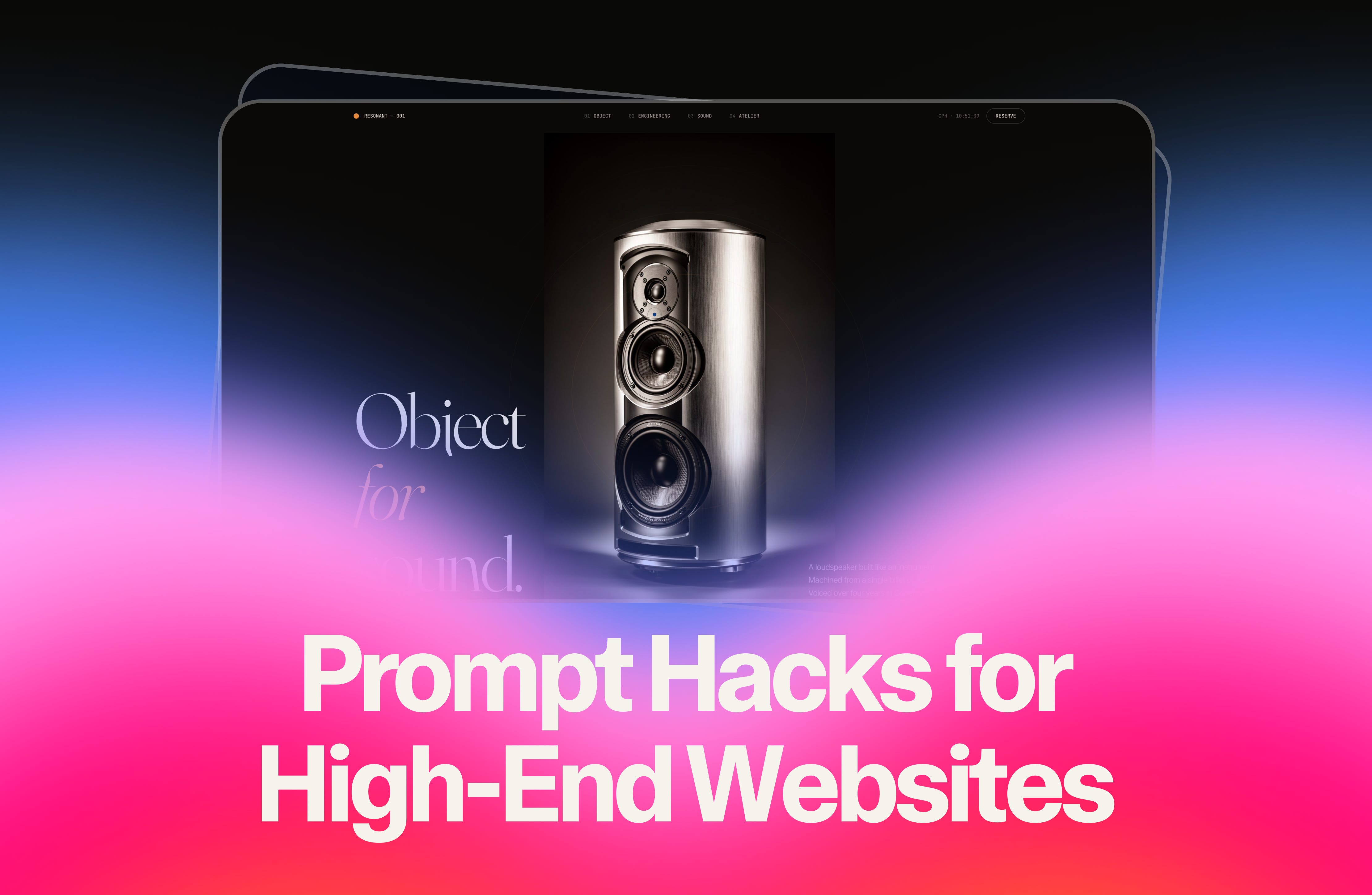
Good: “The product is a sculpture. Present it like one.”
2. Name your tech stack explicitly
Lovable makes sensible default choices but it won’t reach for premium motion libraries unless you ask for them by name.
Why it works: Naming Framer Motion isn’t just a technical instruction. It’s a signal that animation is a first-class citizen in this build, not an afterthought. It changes how Lovable approaches every interactive element on the page.
Bad: “Make it animated.”
Good: “Use React, Tailwind CSS, Framer Motion for all animations.”
3. Give interaction a philosophy, not a spec
Don’t list the animations you want. Describe what interaction means in the context of this specific product.
Why it works: Philosophy-level prompting produces coherent design decisions across the whole site. Spec-level prompting produces a checklist of features that don’t necessarily add up to anything.
Bad: “Add scroll animations and hover effects.”
Good: “Sound visualized through interaction, not gimmicks. Materials and engineering explored through scroll.”
